| Starting access |
 Sonoran Radio$0/month on Free, with up to 10 connected users. Sonoran Radio$0/month on Free, with up to 10 connected users. |
 Melonly CAD radioRadio requires a paid Departments plan, starting at $1.99/month. Melonly CAD radioRadio requires a paid Departments plan, starting at $1.99/month. |
| Apps & access |
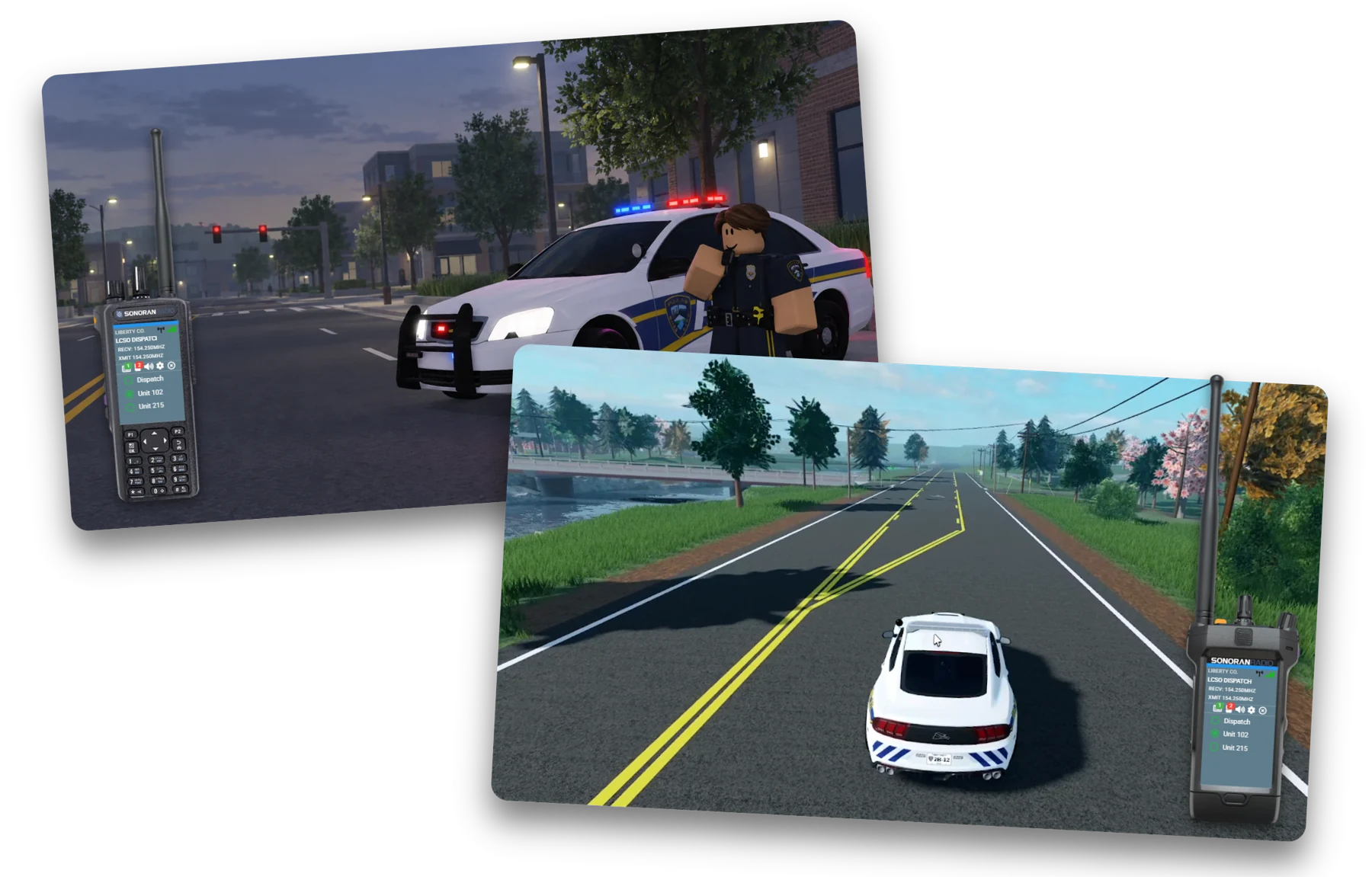
Sonoran RadioWeb, Windows, Mac, Linux, iOS, and Android. |
Melonly CAD radioWeb, Windows, and Mac. No iOS or Android app. |
| Product setup |
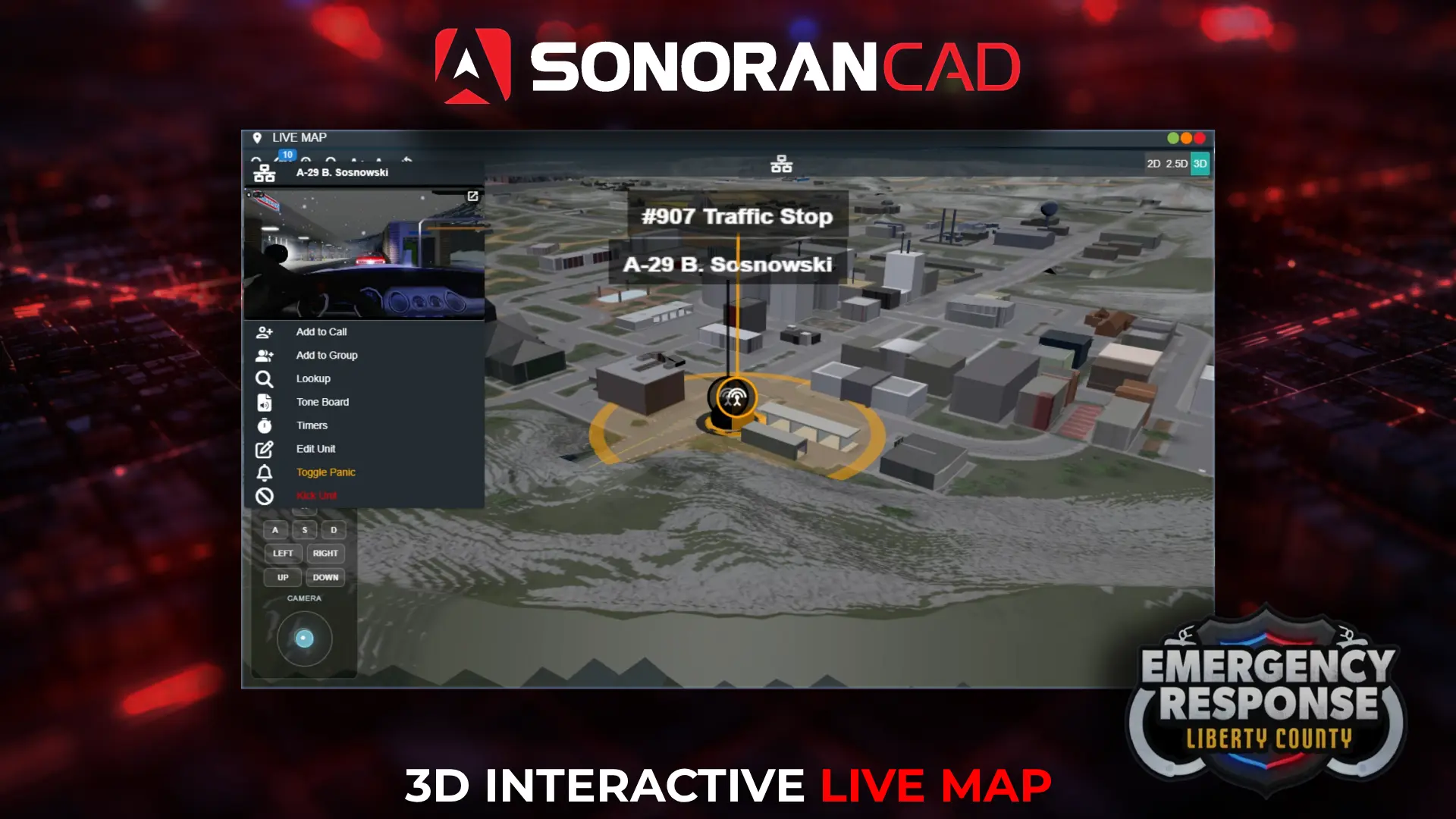
Sonoran RadioDedicated voice radio and dispatch panel. Add Sonoran CAD or CMS if your community uses them. |
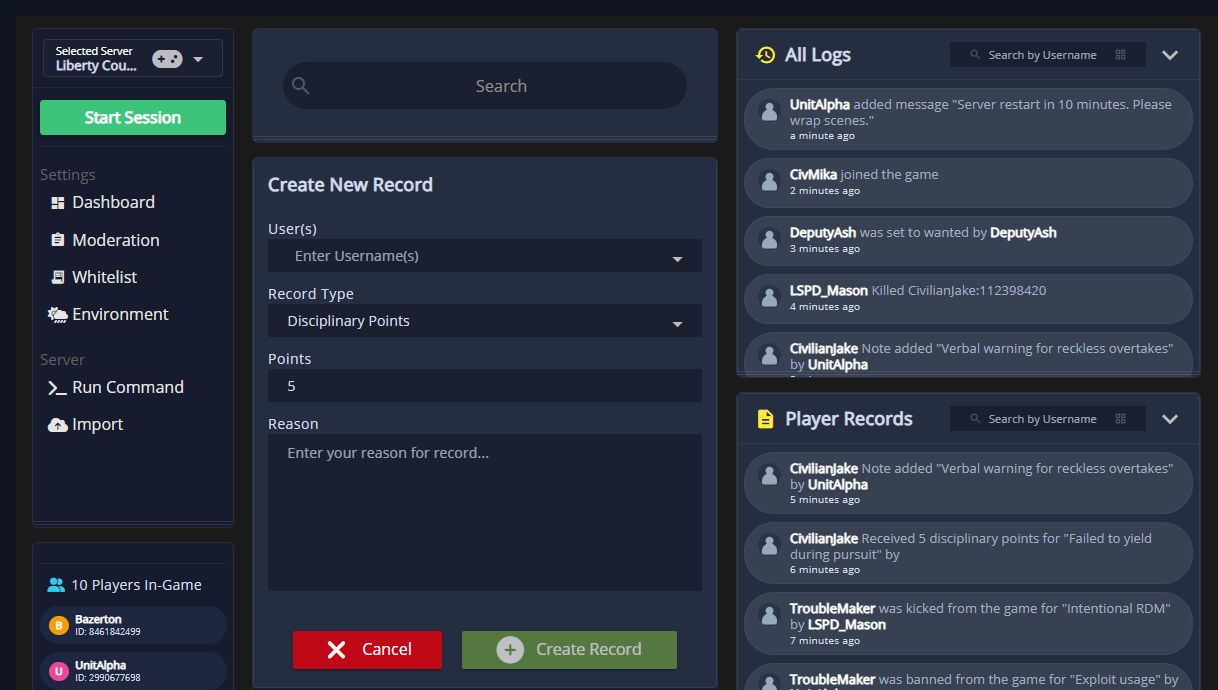
Melonly CAD radioRadio runs inside Melonly CAD and Departments. |
| Voice effects |
Sonoran RadioCustom profiles include a P25-style vocoder with selectable bitrates, analog and digital effects, and pre/post EQ. |
Melonly CAD radioFM and AM channel modes with additional audio FX options. |
| Stream Deck |
Sonoran RadioOfficial Stream Deck plugin for push to talk, channel changes, volume, and Dispatch AI controls. |
Melonly CAD radioNo Stream Deck plugin listed for Melonly Radio. |
| Dispatch AI |
Sonoran RadioIncluded on Free with monthly credits. |
Melonly CAD radioAvailable through Melonly CAD radio, which requires a paid Departments plan starting at $1.99/month. |
| Supported games |
Sonoran RadioER:LC, FiveM, Arma 3, Star Citizen, and more with the universal overlay. |
Melonly CAD radioER:LC only. |